Punjab 10000 Nigehban Card Activation Process
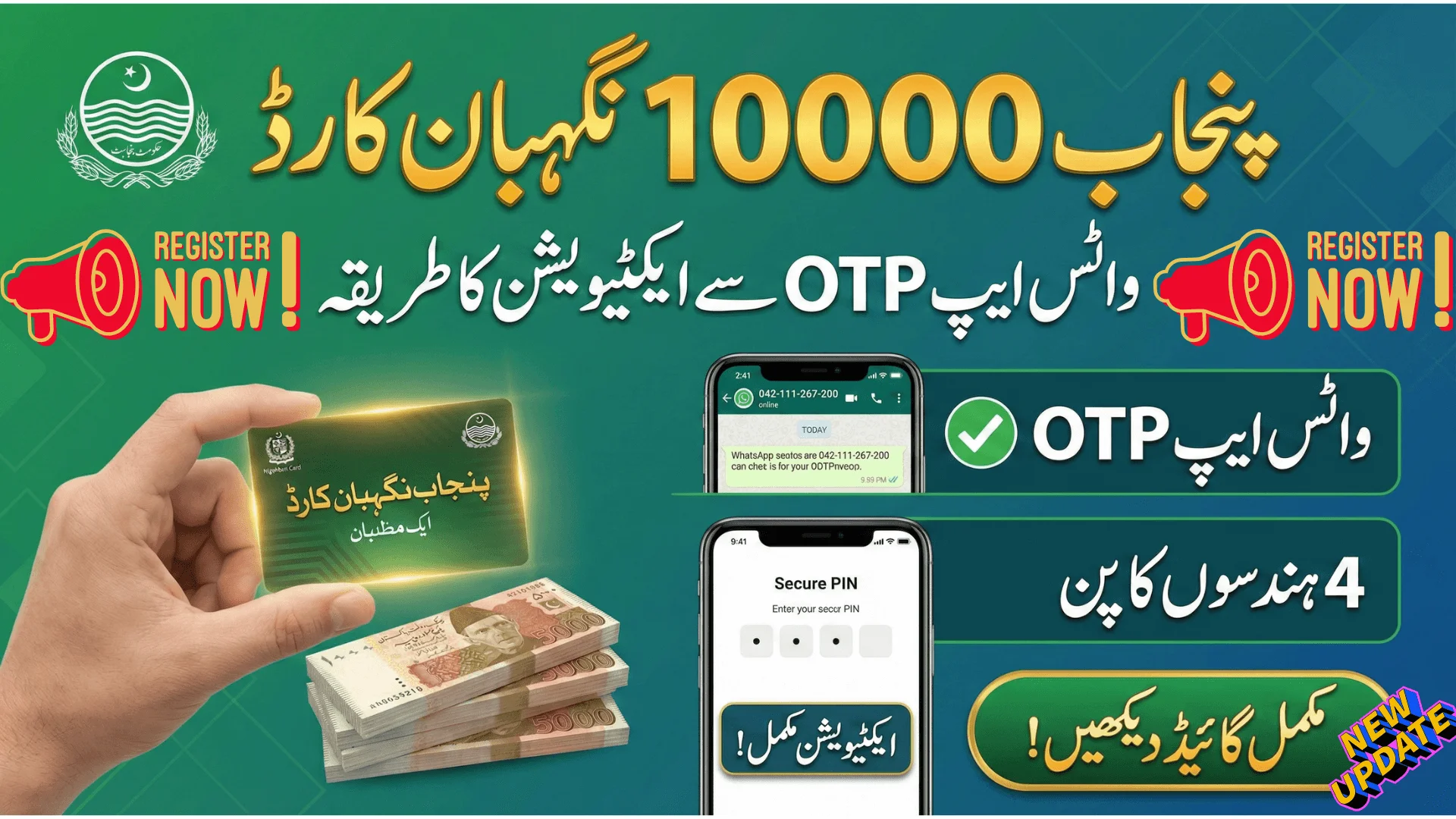
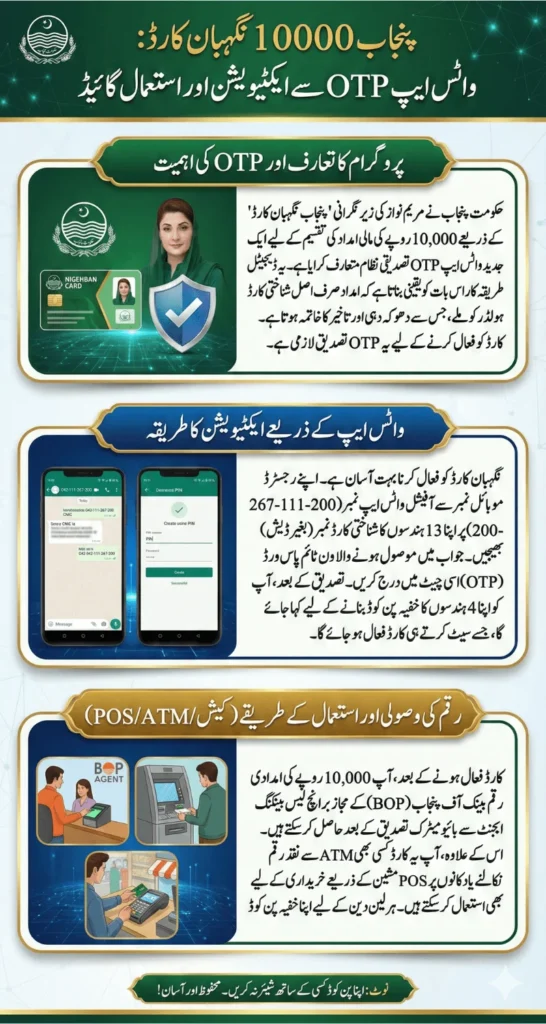
Punjab 10000 Nigehban Card Activation Process Through WhatsApp OTP has been introduced to simplify the verification and fund access procedure for beneficiaries across Punjab. Under the supervision of Maryam Nawaz, the provincial government has implemented a modern WhatsApp-based OTP verification system to ensure that the Rs. 10,000 financial assistance reaches only eligible families. This digital method eliminates unnecessary delays, reduces fraud, and allows beneficiaries to activate their cards without visiting government offices repeatedly. This comprehensive guide explains the complete activation method, withdrawal procedures, ATM usage, PIN reset process, and important safety instructions.
Also Read: Khyber Pakhtunkhwa Ramadan Relief 2026 Rs 12500 Aid Without Bank Account
Why WhatsApp OTP Verification Is Required for Activation
The Punjab government introduced OTP verification to confirm the identity of each beneficiary before allowing access to funds. Previously, manual verification often caused long waiting times and security concerns. Therefore, the digital OTP system ensures that:
- The card is activated only by the original CNIC holder
- Unauthorized withdrawals are prevented
- Duplicate registrations are reduced
- Transparency is maintained in the distribution system
Once you receive your Nigehban card, activation through WhatsApp OTP is mandatory. Without completing this step, you will not be able to withdraw or use the Rs. 10,000 assistance amount.
Step-by-Step WhatsApp Activation Procedure
Activating your Punjab 10000 Nigehban Card is simple if you follow the correct instructions carefully.
Send Message to Official WhatsApp Number
- Open WhatsApp from your registered mobile number and send a message to the official Bank of Punjab number: 042-111-267-200
- Make sure the SIM is active and linked with your CNIC.
Enter Your CNIC
- Type your 13-digit CNIC number without spaces or dashes.
- Recheck before sending to avoid errors.
Receive One-Time Password (OTP)
- After sending your CNIC, the system will automatically send an OTP to your registered mobile number.
- This code is valid for a limited time.
Confirm OTP in Chat
- Reply in the same WhatsApp chat with the OTP code exactly as received.
Create a 4-Digit PIN
- Once your OTP is verified, you will be asked to set a 4-digit PIN.
- Choose a secure number that only you know.
Also Read: 8171 BISP Registration 2026 Token Slip, Verification Process & PMT Criteria
How to Withdraw Rs. 10000 After Activation
Once activation is successful, you can withdraw your funds through authorized branchless banking agents under the Bank of Punjab network.
Required Items:
- Original CNIC
- Nigehban Card
- Registered Mobile Phone
Withdrawal Steps:
- Visit the nearest authorized BOP agent.
- Inform the agent about Nigehban card withdrawal.
- Provide your CNIC number.
- Complete biometric thumb verification.
- Enter your PIN on the device.
- Collect Rs. 10,000 cash.
- Wait for confirmation SMS before leaving.
Biometric verification is compulsory. If fingerprint verification fails, try again after cleaning your hands. In case of repeated issues, visit a nearby BOP branch.
Also Read: 8171 BISP Registration 2026 Token Slip, Verification Process & PMT Criteria
Using Nigehban Card for POS Transactions
Beneficiaries also have the option to use their activated card directly at shops through POS (Point of Sale) machines.
How It Works:
- Provide your card to the shopkeeper.
- The card is inserted or tapped on the POS machine.
- Enter your PIN for secure transactions (if required).
- Collect the payment receipt.
Small transactions may not require PIN entry, but always verify the displayed amount before confirming.
Also Read: BISP 8171 January 2026 Payment Update CNIC Verification & Eligibility Guide
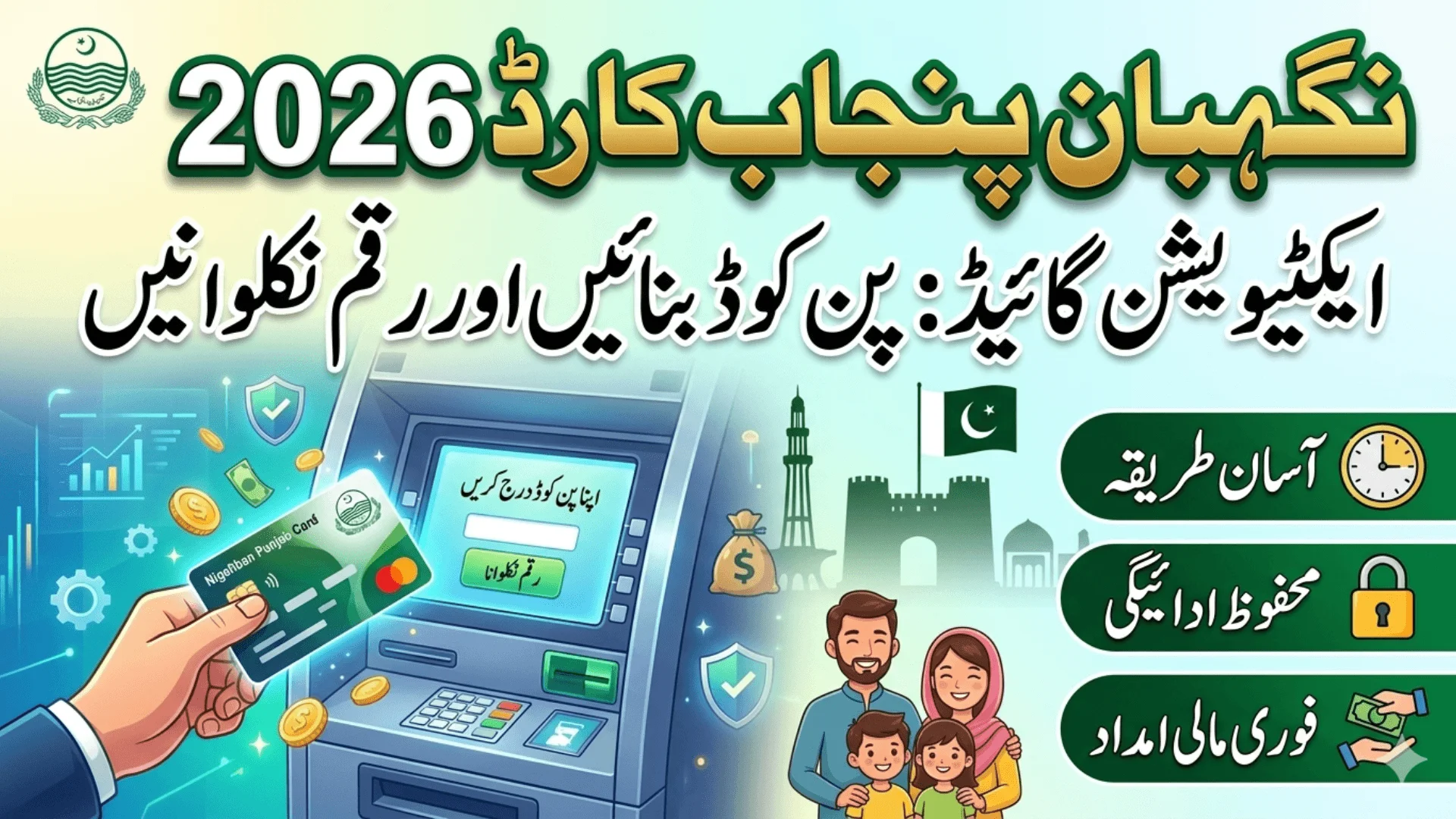
ATM Withdrawal Method for Cardholders
If you prefer withdrawing funds directly from an ATM, your activated Nigehban card can be used at designated ATM machines.
ATM Withdrawal Steps:
- Insert your card into the ATM slot.
- Select language.
- Enter your 4-digit PIN.
- Choose “Cash Withdrawal.”
- Enter the amount (up to Rs. 10,000).
- Collect cash, card, and receipt.
Always wait until the machine returns to the welcome screen before leaving.
Also Read: CM Laptop Scheme 2026 Private College Students To Receive Laptops For The First Time
How to Reset Your PIN Through WhatsApp
If you forget your PIN, you can reset it easily using WhatsApp.
PIN Reset Process:
- Send message to official WhatsApp number.
- Select branchless banking option.
- Choose PIN reset service.
- Enter last 4 digits of your card.
- Provide CNIC number.
- Receive new OTP.
- Enter OTP and set new PIN.
After completing this process, your card will become active again immediately.
Important Security Guidelines
To ensure your funds remain safe, follow these important instructions:
- Never share OTP with anyone.
- Do not disclose your PIN to agents or strangers.
- Do not respond to unknown calls asking for card details.
- Keep your CNIC and card secure.
- Use only the official WhatsApp number for communication.
Government officials will never ask for your PIN or OTP over phone calls.
Also Read: GTS Punjab Phase 3 2026 Complete Online Registration & Eligibility Guide
Quick Information Summary
| Feature | Details |
| Assistance Amount | Rs. 10,000 |
| Activation Method | WhatsApp OTP |
| Biometric Required | Yes |
| ATM Facility | Available |
| PIN Reset | Via WhatsApp |
| SMS Confirmation | Yes |
Also Read: How To Check BISP 8171 Payment Status In 2026 Eligibility And Registration Guide
Benefits of the Digital Activation System
The WhatsApp OTP system has made the entire process more transparent and efficient. Beneficiaries no longer need to stand in long lines or visit offices repeatedly. The digital method:
- Saves time
- Reduces corruption
- Ensures rightful distribution
- Provides quick confirmation through SMS
- Strengthens financial security
This initiative represents a major step toward digital financial inclusion in Punjab.
Final Words
Punjab 10000 Nigehban Card Activation Process Through WhatsApp OTP has simplified the financial assistance system for thousands of deserving families. By completing OTP verification, setting a secure PIN, and following proper withdrawal procedures, beneficiaries can access their Rs. 10,000 support amount safely and conveniently.
Always follow official instructions, protect your personal information, and complete biometric verification carefully. With proper activation and safe usage, the Nigehban Card ensures timely financial relief without unnecessary complications.
Also Read: CM Punjab 10000 Ramzan Package 2026 CNIC Verification & Payment Process